
The question of Rank Math vs Yoast SEO for SEO — specifically which plugin actually moves rankings — comes up constantly because both tools make similar claims about their SEO optimization features. I’ve used both on live client sites and have distinct opinions on where each wins and where the claims don’t match the reality. This article focuses specifically on SEO performance factors: keyword optimization, technical SEO, schema implementation, and how each plugin affects your site’s performance score — not just feature checklists.
A quick note before going deeper: both Rank Math and Yoast SEO are SEO management plugins, not ranking factors themselves. No plugin guarantees rankings. What these tools do is help you implement optimization decisions correctly and efficiently. The plugin that’s “better for SEO” is the one that makes good SEO easier to execute consistently across your site. That distinction matters when evaluating the comparisons below.
Table of Contents
What We’re Actually Comparing
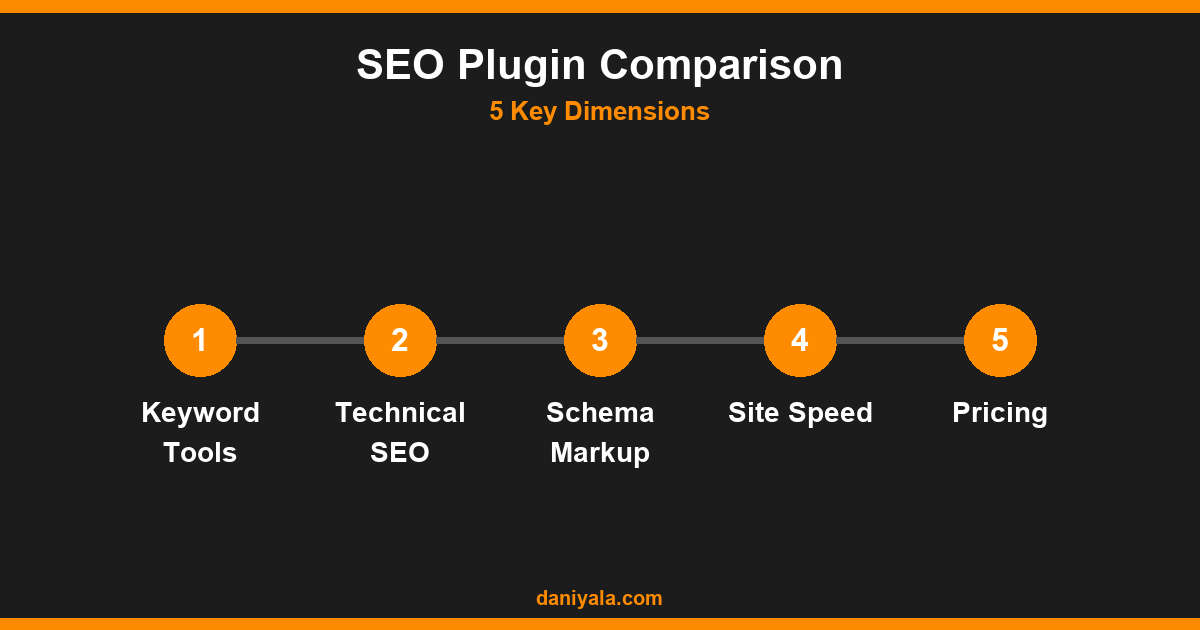
To make this comparison useful, I’m focusing on five dimensions where the plugins genuinely differ and where those differences have observable SEO impact:
- Keyword optimization and on-page content analysis
- Technical SEO controls (sitemaps, canonicals, robots directives)
- Schema markup implementation
- Page speed and performance impact
- Pricing and access to features in free vs. paid tiers
For a broader look at the overall winner across UX and feature set — including interface design and learning curve — my earlier Rank Math vs Yoast SEO comparison covers the general overview. This article goes deeper on the SEO-specific differences. You can also see how other WordPress users are weighing these plugins in the full comparisons category.
Keyword Optimization and On-Page Content Analysis
Both plugins analyze your content against a target focus keyword and give you a score based on how well you’ve optimized for it. The underlying approach is similar, but there are meaningful differences in how much each tool offers in the free tier.
Rank Math (free tier):
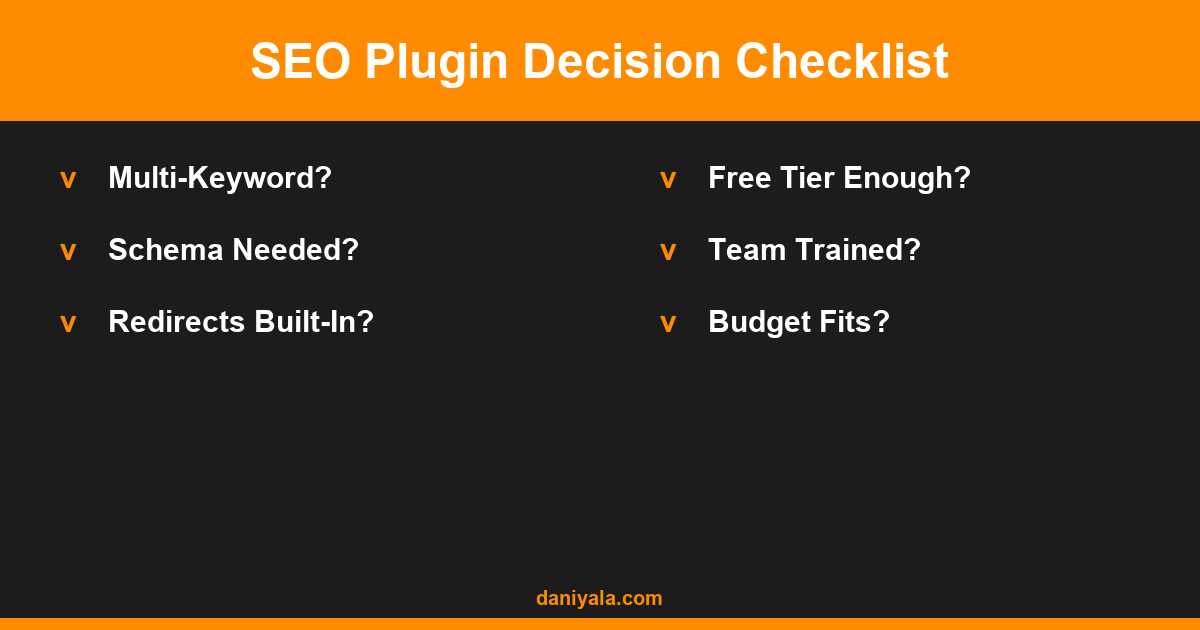
- Allows up to 5 focus keywords per post in the free version — useful for targeting multiple related terms from one piece of content
- Checks for keyword presence in title, meta description, URL, first paragraph, headings, image alt text, and overall content
- Includes basic content readability scoring
- Score is on a 100-point scale (aim for 80+), which gives more granular feedback than a simple traffic light system
Yoast SEO (free tier):
- One focus keyphrase in the free version; additional related keyphrases require Yoast Premium
- Traffic light system (red/orange/green) for SEO and readability checks
- Strong readability analysis — Yoast’s Flesch reading ease integration is genuinely better than Rank Math’s for content written for a general audience
- Cornestone content designation to signal primary cluster articles
Verdict on keyword optimization: Rank Math’s free tier is more generous. Five focus keywords versus one is a significant difference for a site where multiple target terms per post are part of the strategy. For sites targeting a single primary keyword per page, the difference is smaller. Yoast Premium closes the gap with related keyphrase support, but that requires a paid subscription.
Technical SEO Features Compared
Technical SEO controls — sitemaps, canonical tags, robots meta directives, breadcrumbs, redirects — are where choosing the right plugin configuration matters most. Errors in these settings can actively harm your rankings.
XML Sitemaps: Both plugins generate XML sitemaps automatically. Rank Math’s sitemap includes image sitemaps in the free tier. Yoast’s image sitemap is included in the free tier as well. The practical difference is minimal — both generate accurate, Google-compatible sitemaps that you then submit via Search Console.
Canonical tags: Both plugins handle canonical tag generation correctly on standard sites. Where complexity arises is on sites with multiple URL variants (paginated archives, parameter URLs, HTTPS/HTTP variations). In my experience, Rank Math’s canonical configuration is slightly more accessible for non-technical users, with clearer UI labels. Yoast’s canonical handling is equally capable but requires more familiarity with the interface to configure correctly in edge cases.
Robots meta directives: Both plugins allow you to set noindex, nofollow, and other meta robots tags per post type, taxonomy, and individual post. Rank Math surfaces these controls more prominently on each post’s edit screen. Yoast buries some of these under “Advanced” settings — they’re there, but less discoverable.
Redirects: Yoast SEO premium includes a redirect manager. Rank Math free tier includes a redirect manager. This is a meaningful advantage for Rank Math in the cost comparison — redirect management without a paid plugin saves money and complexity for sites that manage redirects frequently.
For a detailed look at how RankMath implements its SEO controls and where to find the settings that matter most, the RankMath Knowledge Base is the authoritative reference.
Schema Markup and Rich Results
This is where Rank Math has the clearest advantage. Schema markup (structured data) helps Google understand your content type and can trigger rich results — FAQ dropdowns, review stars, recipe cards, event listings — in search results. Rich results can dramatically increase click-through rates even without ranking position changes.
Rank Math schema implementation:
- Built-in schema builder for Article, FAQ, HowTo, Product, Review, Recipe, Event, and more — all in the free tier
- Visual schema editor that generates and validates JSON-LD without requiring code
- FAQ block integration: if you use the native Rank Math FAQ block in the editor, it automatically generates FAQPage schema
- Rich Results Test integration to validate schema directly from the dashboard
Yoast SEO schema implementation:
- Automatically generates Article, WebPage, and BreadcrumbList schema for posts and pages
- Product schema available for WooCommerce through Yoast WooCommerce SEO (separate paid plugin)
- FAQ and HowTo schema blocks added in recent versions — functional but less configurable than Rank Math’s implementation
- The overall schema graph that Yoast generates is more comprehensive for connecting entities (author, organization, website) — which can benefit brand and E-E-A-T signals long-term
Verdict on schema: Rank Math wins for schema depth and accessibility in the free tier. Yoast’s automatic entity graph is an advantage for sites focused on brand-building and E-E-A-T signals, but requires understanding how to configure the organization and author data correctly. For straightforward FAQ and HowTo markup on individual posts, Rank Math is faster and more flexible.
Speed and Site Performance Impact
An SEO plugin should not be the reason your site is slow. Both Rank Math and Yoast have made significant performance improvements over the years, but there’s still a difference worth knowing about.
Rank Math has historically been more aggressive about performance optimization. The plugin is modular — you can disable features you don’t use, which reduces the CSS/JavaScript footprint on the front end. The admin-side performance is generally faster because the plugin loads fewer assets during post editing.
Yoast SEO has been criticized historically for loading front-end scripts on pages where they weren’t needed, adding unnecessary HTTP requests. Yoast has addressed most of these issues in recent versions, but the plugin is heavier in the admin dashboard, particularly on the post edit screen where the Yoast meta box loads a substantial amount of JavaScript for the content analysis features.
In practical terms, the performance difference between the two plugins is unlikely to meaningfully affect your Core Web Vitals scores on its own. Your hosting, image optimization, caching, and theme will have far greater impact. The performance consideration matters more in context: if your site is already slow and every optimization decision is critical, Rank Math’s more modular architecture gives you more control.
The Yoast SEO plugin on wordpress.org has detailed user reviews that include performance observations from real installations across different hosting environments — worth reviewing if you’re running a performance-sensitive deployment.
Pricing: Free vs Paid Plans
The pricing comparison is where Rank Math has the most obvious advantage:
| Feature | Rank Math Free | Yoast Free |
|---|---|---|
| Focus keywords per post | 5 | 1 |
| Schema types | 15+ | Limited |
| Redirect manager | Yes | No (paid only) |
| 404 error monitoring | Yes | No (paid only) |
| Google Search Console integration | Yes (basic) | No (paid only) |
Yoast Premium is priced at approximately $99/year per site. Rank Math Pro is priced at approximately $59/year for unlimited personal sites. For small business owners managing their own sites, the cost difference and free-tier feature gap are both significant considerations.
For a full comparison of Yoast Premium vs Rank Math Pro features across more dimensions, my guide on which is better: Rank Math or Yoast SEO goes deeper into the paid tiers.
Real-World SEO Impact: Which Performs Better?
Switching between SEO plugins on a live site that’s already ranking won’t cause or fix a ranking. The plugin is the vehicle — your keyword strategy, content quality, technical implementation, and link profile are what actually determine rankings. With that said, my recommendation based on running both on client sites:
Use Rank Math if:
- You’re building a new site and want the most feature-complete free plugin available
- You target multiple keywords per post as part of your content strategy
- You want schema markup (especially FAQ schema) without paying for a premium tier
- You manage redirects regularly and don’t want to add a separate redirect plugin
- Cost is a consideration — the free tier is more competitive, and Pro is cheaper per site
Use Yoast SEO if:
- Your team is already trained on Yoast and changing tools has a real workflow cost
- You value readability-focused content analysis — Yoast’s implementation is better
- You’re building a brand with strong entity optimization goals and want Yoast’s entity graph functionality
- You use WooCommerce and need deep product schema integration through Yoast WooCommerce SEO
For most independent site owners and small businesses, Rank Math’s free tier offers better value and more functionality than Yoast’s free tier. For larger organizations where team training, consistency, and Yoast’s ecosystem integrations matter, Yoast Premium is still a solid choice. For a broader ranking of both against other WordPress SEO plugins, my guide on the best SEO plugins for WordPress in 2026 compares the full field.
Frequently Asked Questions
Is Rank Math better than Yoast SEO for SEO?
Rank Math’s free tier offers more SEO features — particularly multiple focus keywords per post, schema markup options, and a built-in redirect manager — which makes it the stronger default recommendation for most small business sites. Yoast SEO is not inferior for SEO, but it requires the paid tier to match Rank Math’s free-tier feature set. The plugin you use consistently and configure correctly matters more than which one you choose.
Can I switch from Yoast to Rank Math without losing SEO data?
Yes. Rank Math includes a migration wizard that imports your Yoast settings — focus keywords, meta titles, meta descriptions, and SEO scores — into Rank Math. The migration works reliably on most sites. Run it on a staging environment first and verify your critical pages before migrating your live site, as any meta data migration carries some risk of edge-case data loss.
Does the SEO plugin I use affect my Google rankings?
The plugin itself is not a ranking factor. What affects rankings is how you use the plugin: whether you set accurate meta titles and descriptions, implement schema correctly, configure canonical tags properly, and address technical SEO issues the plugin surfaces. A site with perfect Rank Math configuration but poor content will not outrank a site with solid Yoast setup and excellent content.
Which plugin is better for local SEO?
Both support LocalBusiness schema, but neither is a replacement for Google Business Profile optimization or citation building for local SEO. Rank Math includes LocalBusiness schema in its free tier. Yoast requires Local SEO for Yoast (a separate paid add-on at approximately $69/year) for the same functionality. For local SEO plugin capability at no cost, Rank Math has the advantage.
Does Rank Math slow down WordPress sites?
Rank Math is generally lighter than Yoast in terms of front-end script loading, and its modular design lets you disable features you don’t use. In practical testing, the difference in page load time is minor — both plugins add a few hundred milliseconds to admin page loads during content editing, and neither should materially impact front-end Core Web Vitals on a properly optimized site.
Need help configuring RankMath or Yoast SEO correctly for your site? I’m Daniyal — freelance SEO & WordPress expert. Contact me or find me on Upwork.







 by Daniyal © 2026 All Rights Reserved