
When setting up SEO on a new WordPress site, the question you’ll face almost immediately is: rank math vs yoast seo which is better? Both plugins power millions of websites, both have free and premium versions, and both claim to make your site more visible on Google. After running both on client projects and my own sites for several years, I’ve formed a clear opinion — and it depends on your situation more than most plugin reviews admit.
This guide gives you the honest breakdown: features, pricing, performance impact, and exactly who should use which plugin. I’ve migrated sites between both, tested their free and paid tiers, and used them across personal blogs, client sites, and WooCommerce stores.
Table of Contents
What Rank Math Brings to WordPress
Rank Math launched in 2018 and quickly became the go-to SEO plugin for professionals who wanted more without paying more. At its core, it connects your WordPress posts to the SEO signals Google looks for: title tags, meta descriptions, focus keywords, structured data, redirects, and canonical URLs — all from one clean dashboard.
What makes Rank Math stand out is how much it packs into the free plan. Features that competitors lock behind a premium paywall — multiple focus keywords per post, advanced schema types, 404 monitoring, redirect management, and Google Search Console integration inside the WP dashboard — are all available on Rank Math free.
The on-page SEO checklist gives you a real-time score out of 100 as you write. It checks keyword placement in the title, URL, first paragraph, meta description, image alt texts, and H2 headings simultaneously. For agencies, this makes client coaching simpler: you can hand over the dashboard and the scoring system does half the training for you.
Rank Math also connects natively with Google Search Console. You can view clicks, impressions, and average position for each post without leaving WordPress — a feature that saves time during weekly reporting rounds.
What Yoast SEO Brings to WordPress
Yoast SEO was the dominant plugin for over a decade and it remains the most installed SEO plugin globally. Its readability analysis, traffic light scoring system, and reliable handling of core meta fields made it the default recommendation for WordPress beginners throughout the 2010s.
The plugin’s genuine strength is stability and trust. Yoast rarely breaks sites on major updates — a meaningful advantage when you’re managing client sites on tight schedules. Its documentation is thorough, its support team is responsive, and the step-by-step guidance inside the editor reduces errors from non-technical editors.
Its readability analysis (sentence length, passive voice, paragraph structure, transition words) is more detailed than Rank Math’s equivalent. If you’re producing content for a non-native English audience or coaching writers on clarity, Yoast’s Flesch reading ease checks are genuinely useful.
The main limitation is the free version’s ceiling. Focus keywords are capped at one per post, schema options are restricted, and redirect management requires Yoast Premium at around $99/year per site. For agencies managing ten or twenty sites, those subscription costs compound fast.
Feature-by-Feature Comparison
On-Page SEO Controls
Both plugins handle the core meta fields: title tag, meta description, canonical URL, robots meta, Open Graph, and Twitter Card tags. Rank Math supports up to 5 focus keywords per post on the free plan, with colour-coded scoring per keyword. Yoast free supports one focus keyword; related keyphrases require Premium.
For a site targeting 3–4 semantic keyword variants on each page — which is standard practice in 2026 — Rank Math’s multi-keyword tracking in the free tier is a clear advantage.
Schema and Structured Data
Rank Math includes a full Schema editor with types for Article, FAQ, HowTo, Product, Review, Recipe, Event, and more — all free. You can add multiple schema blocks to a single post and edit the raw JSON-LD if you need custom fields.
Yoast adds Article schema automatically to posts. Additional types require Yoast Premium. For sites publishing how-to guides, FAQs, or recipes, this gap is significant. I use Rank Math’s FAQ schema block on client sites that target featured snippets — not having to pay per site for that functionality is a real efficiency gain at agency scale.
Redirect Manager
Rank Math includes a redirect manager in its free version. You can create 301, 302, and 307 redirects directly in WordPress, import from CSV, and view 404 errors with suggested redirect targets. This is one of the most-used features during site migrations.
Yoast’s redirect manager is a Premium feature. If you regularly migrate sites or audit redirect chains — as covered in my technical SEO audit guide — having this free in Rank Math saves both money and the need for a third plugin.
Sitemaps
Both plugins generate XML sitemaps and submit them to Google automatically. Rank Math gives finer control over which post types and taxonomies are included, and supports news sitemaps in its Pro plan. For most sites the free sitemap implementations are equivalent.
Pricing: Free vs Pro
Rank Math Pro starts at $6.99/month (billed annually at $83.88/year) and covers unlimited personal sites. The free version is genuinely capable for most projects without ever upgrading.
Yoast SEO Premium is $99/year per site. Multi-site licences are available at higher tiers. The per-site pricing model makes it expensive for agencies. If you manage 10 client sites with Yoast Premium, you’re spending $990/year just on the SEO plugin — versus a one-time Rank Math Pro subscription that covers all your sites.
For budget-conscious freelancers and agencies, this pricing difference alone often settles the debate. If you’re also budgeting for broader SEO services, understanding plugin costs is part of the picture — see my breakdown of SEO pricing for context.
Performance Impact on Site Speed
Both plugins add some overhead, but it’s rarely the primary speed bottleneck. In my testing across shared and managed hosting environments, Rank Math tends to run slightly leaner on database queries, though the difference is under 100ms on most configurations.
Neither plugin should materially hurt your Core Web Vitals on a properly configured server. If you’re working through a full speed checklist for your WordPress site, the best WordPress speed optimisation tips will have far more impact than your choice of SEO plugin.
One caveat: both plugins can slow the WordPress admin on large sites (100,000+ posts) if their analytics tables grow unchecked. Rank Math provides a built-in analytics clean-up tool; Yoast relies on the user managing this manually.
Ease of Use for Beginners
Yoast has a slight edge here based on familiarity — it’s been the standard recommendation for years, so more tutorials, YouTube videos, and blog posts reference it. Its traffic light system (red/orange/green) is intuitive for first-timers.
Rank Math’s setup wizard is excellent. It walks you through Google Search Console connection, sitemap generation, schema defaults, and breadcrumb settings in a single guided flow. Once configured, the editor interface is no harder to use than Yoast.
For someone starting fresh today, I’d send them to Rank Math without hesitation. If someone is already comfortable with Yoast and their site is performing well, I’d leave it alone — the risk of a migration rarely outweighs the benefit unless there’s a specific missing feature.
Integration with WordPress Ecosystem
Both plugins integrate with major WordPress page builders including Elementor, Gutenberg, Divi, and Beaver Builder. Rank Math has direct Elementor widget support for its SEO score panel inside the Elementor editor, which is useful if you’re building pages in Elementor rather than the native block editor.
For WooCommerce, Rank Math includes product schema, breadcrumb schema, and review schema in its free tier. Yoast’s WooCommerce SEO is a separate paid add-on. If you run a product catalogue, this is another point in Rank Math’s favour.
To see how both fit within a broader WordPress SEO setup, my complete WordPress SEO guide covers the full technical and on-page stack.
My Verdict: rank math vs yoast seo which is better
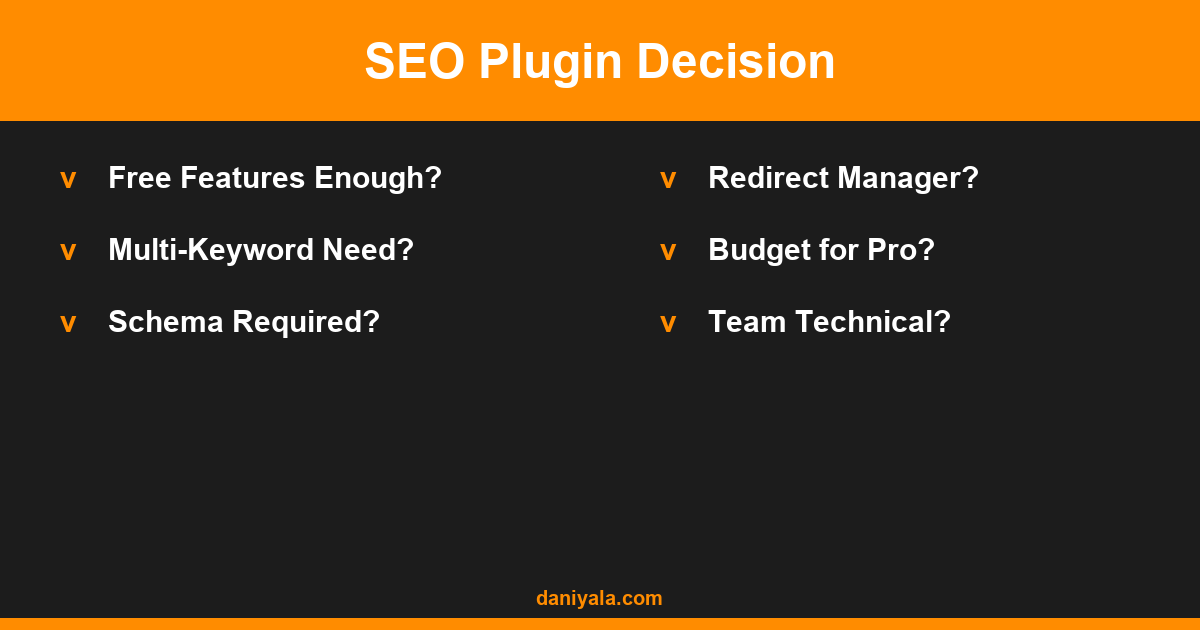
For most WordPress projects in 2026, Rank Math is the better choice. It offers more features on the free tier, more schema options, a built-in redirect manager, multi-keyword tracking, and lower Pro costs across multiple sites.
Choose Yoast SEO if:
- Your team is non-technical and trained on Yoast’s traffic light system
- You have a single established site already running Yoast Premium
- You value Yoast’s readability analysis and passive voice detection
Choose Rank Math if:
- You want maximum capability from the free plan
- You manage multiple sites or client accounts
- You need advanced schema, redirect management, or multi-keyword scoring
- You’re setting up a new site from scratch
For a broader look at how these plugins compare against the full field, see my guide to the best SEO plugins for WordPress.
Frequently Asked Questions
Does switching from Yoast to Rank Math affect my rankings?
A properly executed migration between SEO plugins should not affect rankings. Rank Math has a built-in Yoast data importer that transfers focus keywords, meta titles, and meta descriptions automatically. Verify your key pages after migration and check Google Search Console for any unexpected changes over the following 2–3 weeks. Always take a full site backup before switching.
Is Rank Math free actually free or does it push upgrades constantly?
Rank Math free is genuinely functional without constant upsells. The free version covers on-page analysis, schema, redirects, 404 monitoring, sitemap, Google Search Console integration, and multi-keyword tracking. Pro upgrades are promoted in the dashboard but do not block you from using free features. Most solo bloggers and small business sites run Rank Math free indefinitely.
Which plugin is better for WooCommerce stores?
Rank Math includes WooCommerce product schema, breadcrumbs, and review markup in its free plan. Yoast WooCommerce SEO is a separate paid extension. For eCommerce sites on a budget, Rank Math free gives better out-of-the-box structured data support for product pages, which matters for rich results in Google Shopping and product search snippets.
Can I use both Rank Math and Yoast at the same time?
No — running both simultaneously causes duplicate meta tags and schema conflicts. This will harm your SEO rather than help it. Choose one plugin and import your existing data from the other using the built-in importer. Both plugins have import tools that handle the data transfer cleanly.
Does Rank Math work with Elementor?
Yes, Rank Math integrates directly with Elementor. The SEO score panel and focus keyword checker appear in the Elementor editor sidebar when you edit pages. It also correctly reads Elementor-generated content for keyword analysis. This makes it a good choice for WordPress sites built predominantly with Elementor page builder.
Need help setting up Rank Math or migrating from Yoast? I’m Daniyal — freelance SEO & WordPress expert. Contact me or find me on Upwork.








 by Daniyal © 2026 All Rights Reserved