
If you’ve spent time building a site but rankings haven’t moved, the problem is almost always on-page. An on-page seo checklist gives you a systematic way to audit every element that Google evaluates when deciding where your page should rank. I’ve used variations of this checklist across dozens of client audits and it consistently surfaces the same 4–5 issues that hold a page back.
This guide covers the complete on-page checklist — from title tags and meta descriptions to internal links, image optimization, and schema markup. For a deeper look at the technical layer that underpins all of this, see my technical seo audit guide.
Table of Contents
What Is On-Page SEO?
On-page SEO refers to optimizations you make directly on the page itself — the HTML, the content, the structure. It’s distinct from off-page SEO (links from other sites) and technical SEO (crawling, indexing, site architecture). On-page is what you control 100% and it’s usually where the fastest wins live.
Google’s algorithm evaluates dozens of on-page signals. The good news: most are straightforward once you know what to look for. A methodical checklist eliminates the guesswork.
Title Tag Optimization
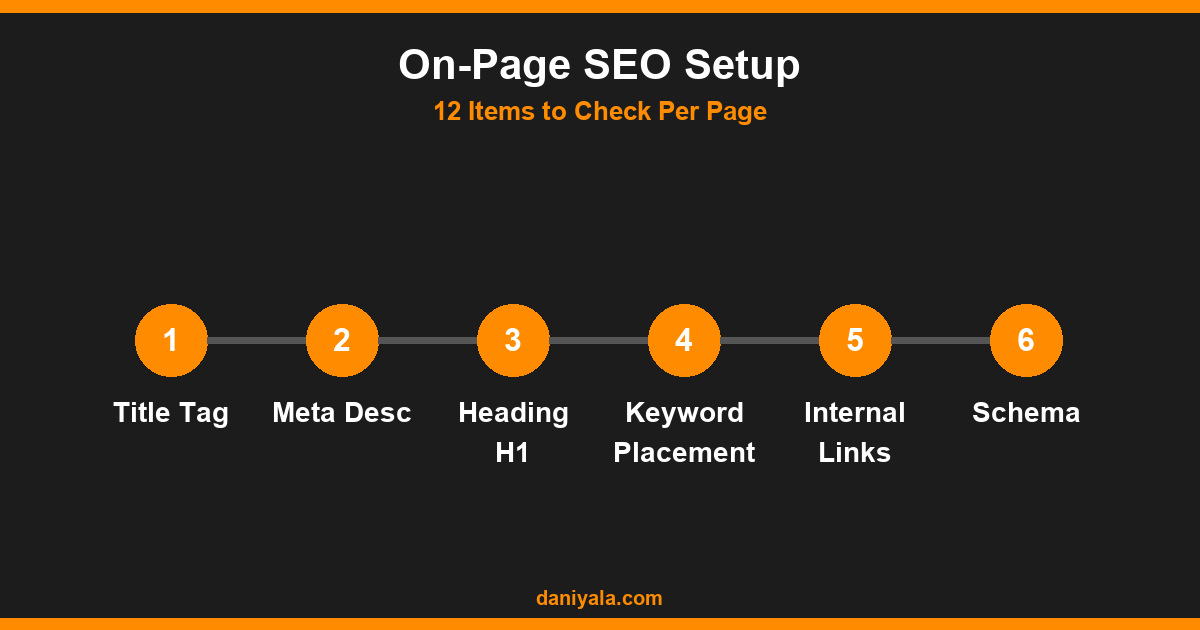
The title tag is the most impactful on-page ranking factor. It tells search engines what your page is about and it’s what users see as the blue link in search results.
- Include the primary keyword — ideally toward the beginning, within the first 60 characters
- Keep it under 60 characters — Google truncates longer titles in SERPs
- Make it click-worthy — numbers, brackets, and power words improve CTR
- Avoid keyword stuffing — one target keyword per page, used naturally
- Brand at the end — “How to Fix WordPress Errors | Daniyala.com” is the right format
Check your existing titles in Google Search Console — if impressions are high but CTR is low, the title needs work more than the ranking does.
Meta Description
Meta descriptions don’t directly affect rankings, but they impact click-through rate. A better CTR over time signals relevance and can indirectly improve your position.
- 150–160 characters — Google truncates beyond this
- Include the primary keyword naturally (Google bolds matching terms in SERPs)
- Write a clear value proposition — what does the reader get from clicking?
- Include a mild call to action: “Learn how,” “See the full list,” “Get the guide”
If Google is rewriting your meta descriptions, your current ones aren’t matching what searchers want. Rewrite them to directly answer the implied question behind the query.
Heading Structure (H1, H2, H3)
Headings give structure to both readers and search engines. A logical heading hierarchy makes your content easier to scan and helps Google understand the relationship between topics on the page.
- H1: One per page, contains the primary keyword, set by your WordPress title field
- H2s: Major sections, each covering a distinct subtopic
- H3s: Subsections under H2s when needed
- Never use headings for styling purposes — don’t jump from H1 to H3
- Each H2 should stand alone as a clear content signal
Content Quality and Keyword Placement
Google’s Helpful Content guidance makes it clear: content should serve the reader first, not the algorithm. That said, strategic keyword placement still matters.
- First 100 words: Primary keyword should appear early, naturally
- Density: Aim for 0.5–1.5% — enough to be clear, not stuffed
- Semantic keywords: Include related terms throughout the page
- Content length: Match or beat the average word count of the top 5 results for your keyword
- E-E-A-T signals: Show real experience — cite specific examples, use first-person where appropriate
- No filler paragraphs: Every paragraph should add value the reader couldn’t get from skimming the heading
For a more hands-on guide to auditing content performance, see how to improve technical seo — I cover a content gap analysis process that complements this checklist well.
URL Structure
Your URL is a ranking signal and a user experience factor. Short, keyword-rich URLs consistently perform better.
- Include the primary keyword in the slug (e.g.
/on-page-seo-checklist/) - Keep it to 3–5 words maximum
- Use hyphens, not underscores — Google treats hyphens as word separators
- Avoid date-based URLs for evergreen content — they make content look stale
- Never change a live URL without setting up a 301 redirect
Internal Linking
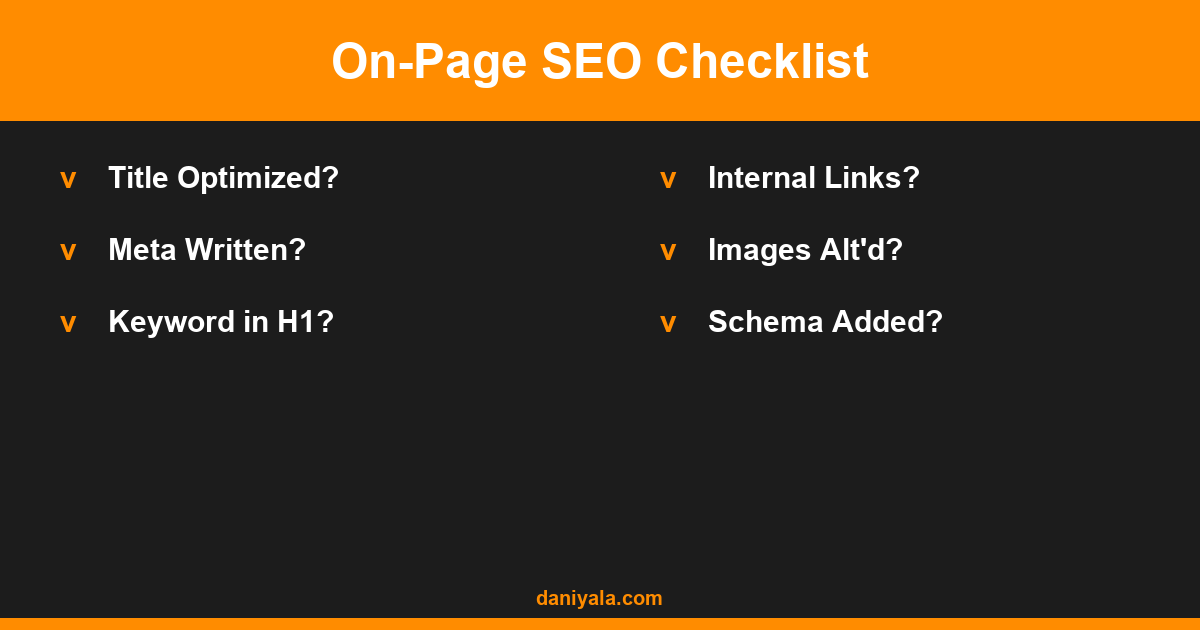
Internal links distribute page authority across your site and help Google discover related content. Most sites underinvest here — I routinely find pages with zero internal links pointing to them, which means Google has no context for how they fit the broader site structure.
- Add 3–5 contextual internal links per piece of content
- Use descriptive anchor text — “our guide to on-page seo” beats “click here”
- Link to your pillar content from every related supporting article
- Check your orphan pages (pages with no internal links pointing to them) using Screaming Frog
If you’re building out a topic cluster, my technical seo checklist covers the broader site architecture side of this — internal linking strategy and site structure are tightly connected.
Image Optimization
Images are both a page speed risk and a missed ranking opportunity for most sites. Every image should work for you, not against you:
- File names: Use descriptive names —
on-page-seo-checklist-2026.pngnotimg0042.png - Alt text: Describe the image using the keyword naturally — don’t keyword-stuff
- File size: Compress to under 100KB for hero images, under 50KB for inline images
- Format: Use WebP where possible — smaller file size, modern browser support
- Dimensions: Don’t upload 4MB originals and resize in HTML — serve appropriately sized images
- Lazy loading: Add
loading="lazy"to images below the fold
Page Speed and Core Web Vitals
Core Web Vitals are a confirmed ranking factor. Your on-page checklist should include a speed audit on every page you optimize, not just the homepage.
- LCP (Largest Contentful Paint): Under 2.5 seconds — usually the hero image or H1
- CLS (Cumulative Layout Shift): Under 0.1 — caused by images without dimensions, fonts loading late
- INP (Interaction to Next Paint): Under 200ms — JavaScript execution time is the main culprit
Run PageSpeed Insights on individual landing pages and fix the specific recommendations. If WordPress is your platform, start with image optimization and defer non-critical JavaScript — those two changes alone often move a site from the 40s to the 70s in PageSpeed score. For a full SEO strategy around site performance, see seo for small business where I cover Core Web Vitals specifically in a local business context.
Google’s official guidance on page experience signals is available in the Google SEO Starter Guide.
Schema Markup
Schema markup is structured data that helps search engines understand your content and can trigger rich results — FAQ boxes, star ratings, how-to steps — in SERPs.
- FAQPage schema: Add to any page with a FAQ section — triggers expandable Q&A in search results
- Article schema: Use for blog posts — helps Google identify author, date, and article type
- LocalBusiness schema: Essential for any local service page
- HowTo schema: For step-by-step tutorial content
On WordPress, RankMath handles Article schema automatically. You only need to manually add FAQPage schema for FAQ sections. Validate your schema using Google’s Structured Data documentation and the Rich Results Test tool.
Mobile Optimization
Google has been mobile-first since 2019. Mobile optimization is not optional — it’s how your page is indexed. Check:
- Text readable without zooming (minimum 16px font size)
- Tap targets (buttons, links) at least 48px apart
- No horizontal scrolling on any viewport
- Content identical on mobile and desktop (Google indexes the mobile version)
- Test with Chrome DevTools mobile emulator and Google’s Mobile-Friendly Test
Frequently Asked Questions
How often should I run this on-page SEO checklist?
Run it on every new piece of content before publishing, and revisit existing pages quarterly. For high-traffic pages or pages stuck at position 5–15, do a full on-page audit — small improvements at that ranking level can move a page significantly with no new link building required.
Does keyword density still matter for on-page SEO?
Density as a hard metric matters far less than it did in 2010, but keyword usage still signals topical relevance. Write naturally, include your primary keyword in the title, first paragraph, and at least one H2. Related terms and synonyms throughout the body are just as important as exact-match usage.
What is the single biggest on-page mistake you see in client audits?
Missing or poorly written meta titles. Surprisingly common. I see pages targeting competitive keywords with generic titles like “Page 1 | Company Name” — no keyword, no value proposition. That alone costs significant organic traffic and CTR, and it’s a five-minute fix.
Is on-page SEO more important than link building?
For most SMBs, yes — at least initially. Links are hard to earn and slow to accumulate. On-page optimizations are fully within your control and pages with solid on-page signals need fewer external links to rank. Get the on-page right first, then build links to a page that’s genuinely worth ranking.
Can I use this checklist for eCommerce product pages?
Yes, with adaptations. Product pages need unique descriptions (no manufacturer copy), review schema markup, clear product titles with model and spec keywords, and structured breadcrumb navigation. The core checklist items — title, meta, speed, structured data — all apply directly to product pages.
Need help implementing this? I’m Daniyal — freelance SEO & WordPress expert. Contact me or find me on Upwork.








 by Daniyal © 2026 All Rights Reserved