
If you run a law firm or legal practice, email automation for lawyers is one of the highest-ROI systems you can put in place. Most law firms handle follow-up manually — someone on the team sends an email when they remember, the lead goes quiet, and a potential case walks out the door. Automation fixes that. Every inquiry gets a timely, professional response. Every consultation follow-up happens automatically. Past clients stay in your orbit without any manual effort.
I’ve set up email flows for service businesses including professional services, and the pattern is consistent: firms that stay in systematic contact with prospects convert far more inquiries into paying clients than those relying on ad-hoc follow-up. In this guide I’ll walk through exactly what sequences law firms need, which tools make sense for legal practices, and how to build automation that runs without constant attention.
Table of Contents
- What Is Email Automation for Lawyers?
- Why Law Firms Need Email Automation Now
- The 4 Core Email Sequences Every Law Firm Needs
- Best Email Automation Tools for Law Firms
- Common Email Automation Mistakes Law Firms Make
- Setting Up Your First Legal Email Automation: A Practical Sequence
- Frequently Asked Questions
What Is Email Automation for Lawyers?
Email automation means pre-built sequences that fire automatically based on specific triggers — a contact form submission, a consultation booking, a case closing, or a set time delay. Once configured, these emails go out on schedule without anyone pushing send.
For law firms, the most valuable automation sits in three areas:
- Lead nurture — following up with prospects who contacted you but haven’t booked a consultation yet
- Client onboarding — getting new clients up to speed on your process, timeline, and what you need from them
- Post-case retention — staying in touch with past clients to generate referrals and repeat business
Done right, none of this feels like spam. These emails answer questions prospects already have, set expectations that reduce client anxiety, and keep your name front of mind when a past client’s neighbor needs a lawyer.
Why Law Firms Need Email Automation Now
The legal services market is competitive online. Someone who finds your website through a local search has probably already visited two or three competitors. The firm that follows up consistently wins the case — not necessarily the one that responded first.
A large share of legal leads that don’t convert immediately are lost not because they chose a competitor, but because no one followed up after the first or second attempt. Automated sequences solve this problem directly.
Concrete benefits for law firms specifically:
- Leads nurtured across multiple touchpoints over 7–14 days convert at higher rates than those receiving one follow-up email
- Onboarding sequences dramatically reduce “what happens next?” calls and emails to your admin team
- Post-case check-in emails generate more referrals than firms that simply close the file and move on
- Automated responses make your firm look organized and client-focused from the very first contact
If you’re also thinking about how email fits into a broader marketing strategy, my email marketing guide covers the full picture — from list building to campaign strategy for service-based businesses.
The 4 Core Email Sequences Every Law Firm Needs
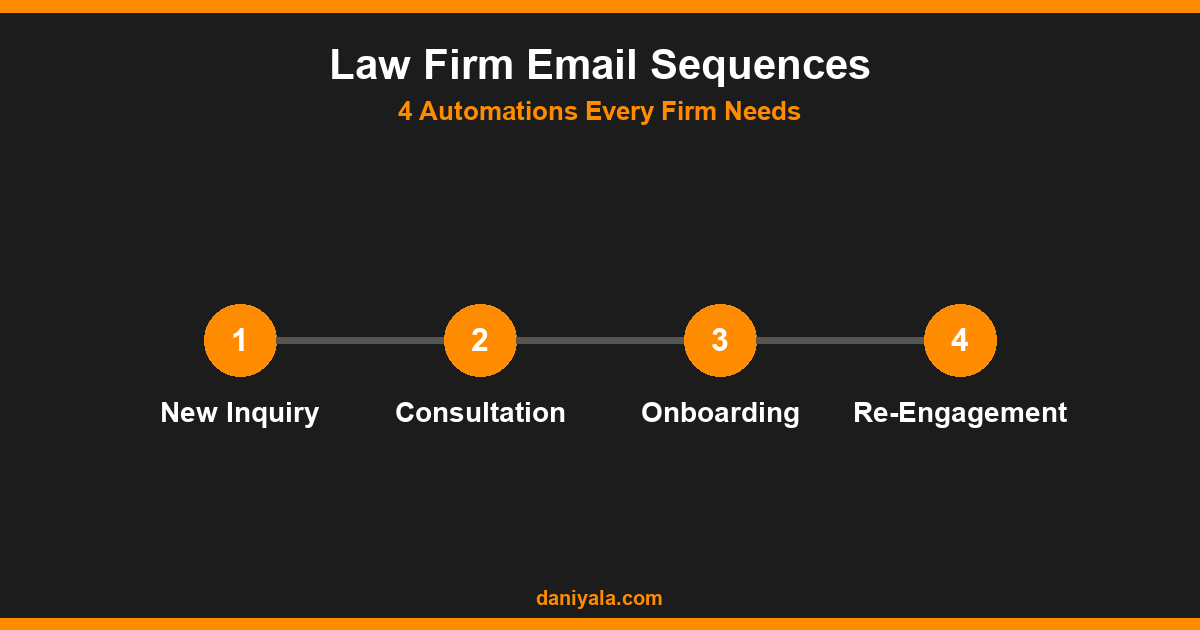
Sequence 1: New Inquiry Welcome (3–5 Emails)
This triggers immediately when someone submits a contact form or inquiry. The goal is to build trust, demonstrate competence, and get them to book a consultation before they call your competitor.
- Email 1 — Immediate: “We received your inquiry” — confirms receipt, sets expectations (“We’ll be in touch within 24 hours”), and gives a short sentence about your firm’s experience in this area
- Email 2 — Day 2: A brief story or social proof relevant to their situation — real outcomes your firm has achieved without naming specific clients
- Email 3 — Day 5: FAQ format — answer the 3 questions prospects in this practice area always ask before booking
- Email 4 — Day 10: Soft follow-up — “Still happy to help when you’re ready. Here’s how to book a call.”
- Email 5 — Day 21: Final check-in — “Our calendar has some availability this week. Is this still something we can help with?”
Sequence 2: Post-Consultation Follow-Up (3 Emails)
After a consultation, many prospects compare options. This sequence keeps you top of mind without being pushy.
- Email 1 — Same Day: “Thank you for meeting with us” — brief recap of what was discussed, what the next step looks like if they want to proceed
- Email 2 — Day 3: Address the specific concern or question they raised — shows you were listening and thinking about their case
- Email 3 — Day 7: Clear CTA — “Ready to move forward? Here’s how to engage our services and what happens from there.”
Sequence 3: Client Onboarding (3–4 Emails)
This fires when someone becomes a client. Good onboarding reduces confusion, sets timeline expectations, and makes clients feel handled — which reduces mid-case anxiety calls.
- Email 1: Welcome, your contact’s name and direct email, how communication works during the case
- Email 2 — Day 2: A checklist of documents or information you need from them in the next week
- Email 3 — Day 7: Case timeline walkthrough — what happens, in what order, and what they’ll need to do at each stage
- Email 4 — Day 14: Check-in — “Any questions so far?” — a simple email that prevents small concerns from becoming bigger ones
Sequence 4: Post-Case Re-Engagement (2 Emails)
A closed case isn’t a dead relationship. This is one of the most underused automations in legal — and often the highest-ROI one.
- Email 1 — 3 Months Post-Close: “We wanted to check in on how things are going since your case concluded.” Brief, genuine, no hard sell.
- Email 2 — 6 Months Post-Close: “If you ever have friends or family who need legal help in [practice area], we’re always happy to start with a conversation.”
For a detailed breakdown of how to structure these flows across different service types, my email automation guide covers the logic behind each trigger and how to build sequences in most major platforms.
Best Email Automation Tools for Law Firms
You don’t need an enterprise marketing stack. Most law firms are well-served by one of these three tools:
Mailchimp
Best for: small firms just starting out, fewer than 500 contacts, simple sequences.
Mailchimp’s automation builder is the most approachable on this list. You can set up a basic 3–4 email welcome sequence in an afternoon. The free tier covers most small law firms, though automation features are limited on the free plan. Limitation: branching logic (send different emails based on whether someone opened the previous email) is basic compared to more advanced tools.
ActiveCampaign
Best for: firms with real lead volume (20+ new inquiries per month) who need sophisticated branching, contact scoring, and CRM-lite features.
ActiveCampaign’s automation builder is the most powerful in its price range. You can build sequences that branch based on behavior — if someone clicks the booking link in Email 2, they skip Email 3 and go straight to the onboarding sequence. The learning curve is steeper than Mailchimp, but the payoff for high-volume practices is significant. Integration with scheduling tools (Calendly, Acuity) is straightforward.
Kit (formerly ConvertKit)
Best for: solo practitioners or small practices who want a cleaner, simpler experience than ActiveCampaign with more automation power than Mailchimp.
Kit hits the middle ground well. Visual automation builder, good tag-based segmentation, and direct integrations with most scheduling and booking tools that law firms use. It’s particularly good for practices that also produce content — guides, newsletters, legal update emails to existing clients.
Whichever tool you use, the email content matters more than the platform. A well-written 4-email welcome sequence in Mailchimp will outperform a mediocre 10-email sequence in ActiveCampaign. For setup documentation, both the Mailchimp developer docs and ActiveCampaign help center are detailed and well-maintained.
Common Email Automation Mistakes Law Firms Make
These are the patterns I see consistently when firms first set up automation:
- Generic subject lines — “Following up on your inquiry” gets ignored. Something specific to their practice area (“Quick note on your family law question”) performs significantly better.
- Emails that read like legal documents — Automated follow-up emails should be short, plain, and conversational. 150–250 words per email. No formal legal language. Write like a trusted professional, not a contract.
- No segmentation by practice area — A criminal defense inquiry and an estate planning inquiry should not receive the same welcome sequence. Segment by practice area from your contact form and send relevant content from day one.
- Stopping too early — Most firms stop after 2 emails. For high-consideration services like legal representation, a longer nurture sequence (5–7 emails over 3 weeks) consistently outperforms shorter sequences.
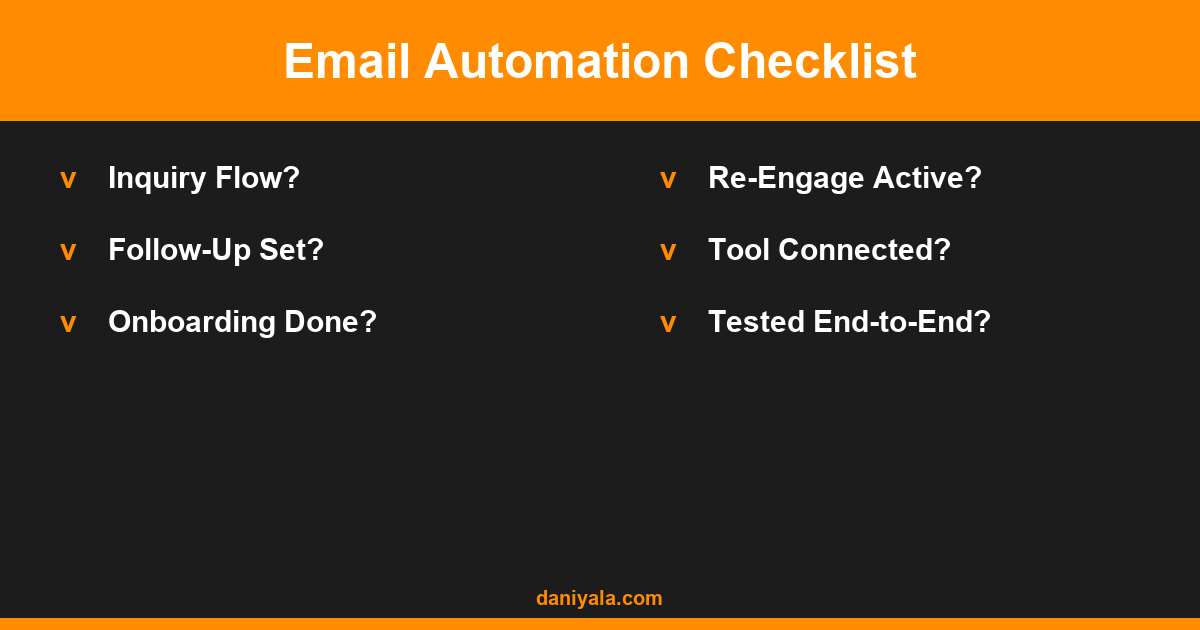
- Not testing before launch — Always send a test campaign to yourself and check it on mobile before going live. Check that all links work and the from address is correct.
Setting Up Your First Legal Email Automation: A Practical Sequence
If you’re starting from scratch, work in this order:
- Choose your platform (Mailchimp for simple, ActiveCampaign for complex branching)
- Write your new inquiry welcome sequence first — it’s the highest-priority automation and delivers the fastest return
- Connect your contact form to the email platform (most contact form plugins have native integrations or Zapier connectors)
- Add a Calendly or scheduling integration so a booking automatically triggers the post-consultation sequence
- Test the full flow end-to-end using a dummy email address
- After 30 days, review open rates and click rates — adjust subject lines first, then body content
- Add the post-case re-engagement sequence once the front-end flows are working well
The goal in the first 30 days isn’t perfection — it’s having something working. A 3-email welcome sequence that runs automatically is already better than manual follow-up that happens inconsistently.
If you’re running email marketing more broadly for your practice, my guide on email marketing for small business covers campaign types, list growth, and how to keep your list healthy over time. And for the specific mechanics of building automated sequences — trigger logic, sequence gaps, conditions — my email marketing best practices guide goes into more depth.
Frequently Asked Questions
Is email automation ethical and compliant for law firms?
Yes, provided the emails are genuine, relevant to the inquiry, and comply with CAN-SPAM or CASL requirements depending on your jurisdiction. Include your firm name, physical address, and an unsubscribe mechanism in every automated email. Avoid subject lines that could be considered misleading. Most automated follow-up sequences for service businesses are completely standard practice and well within professional conduct rules.
Do I need a legal CRM or will a standard email tool work?
For email automation specifically, a standard platform like ActiveCampaign, Mailchimp, or Kit is sufficient for most small and mid-sized law firms. Dedicated legal CRMs like Clio or Lawmatics add case management, time tracking, and billing — separate from email automation. Start with an email platform and add a legal CRM only when case management becomes the bottleneck.
How long should automated emails to legal prospects be?
150–250 words per email is the right range for legal follow-up automation. Long enough to be substantive, short enough to be read on a phone. Save lengthy documents and detailed process explanations for the onboarding sequence after someone becomes a client. In nurture sequences, shorter emails consistently get higher engagement than longer ones.
Can I use the same automation for multiple practice areas?
You can start with a single sequence and refine later, but segmenting by practice area from the start produces better results. A family law prospect and a business litigation prospect have completely different concerns, timelines, and emotional states. Sending practice-area-specific content from Email 1 increases engagement and builds trust faster than generic legal marketing copy.
How do I know if my email automation is working?
Monitor three metrics: open rate (aim for 35%+ on nurture emails), click rate (aim for 3–8% depending on the call to action), and conversion to consultation (track how many leads in the sequence booked a call). Review monthly and adjust subject lines first — they have the largest impact on open rates — then test email content and sequence length.
Need help setting up email automation for your law firm or service business? I’m Daniyal — freelance email marketing & WordPress expert. Contact me or find me on Upwork.








 by Daniyal © 2026 All Rights Reserved