
Choosing from the best seo plugins for wordpress sounds simple until you install one, realise you need three settings you can’t find, and spend an afternoon Googling what each score colour actually means. I’ve tested every major option across thirty-plus client sites — local businesses, WooCommerce stores, agency builds — so this ranking is based on real deployment, not just feature lists.
The short version: Rank Math wins for most sites. But the right choice depends on your site type, technical comfort level, and whether you’re on the free tier or willing to pay. Here’s the full breakdown.
Table of Contents
- Why the Right SEO Plugin Makes a Difference
- Rank Math SEO — My Top Pick for Most Sites
- Yoast SEO — The Beginner-Friendly Option
- All in One SEO (AIOSEO) — Strong for WooCommerce
- SEOPress — A Budget Pick Worth Considering
- Slim SEO — For Speed-First Sites
- How to Choose the Right WordPress SEO Plugin
- First Steps After Installing Any SEO Plugin
- Frequently Asked Questions
Why the Right SEO Plugin Makes a Difference
A good SEO plugin does three things: it helps you fill the on-page signals Google actually reads (title tags, meta descriptions, schema markup), it generates your sitemap and handles technical config you’d otherwise need to touch directly in code, and it gives you in-editor feedback so you catch mistakes before publishing.
A bad or misconfigured SEO plugin can do the opposite — blocking pages from indexing, injecting broken schema, or adding so much bloat that your PageSpeed score drops. Choosing well and setting it up properly matters more than which exact plugin you pick.
For context on what these plugins are trying to help with, my WordPress SEO guide covers the full strategy picture — plugins are just the tool layer.
Rank Math SEO — My Top Pick for Most Sites
Rank Math is the plugin I install on the majority of my client builds. The free tier is more generous than most paid alternatives: you get support for 20+ schema types, built-in redirect management, WooCommerce SEO, a Google Search Console integration panel, and role-based access control — all without paying a penny.
What I like about it:
- The focus keyword system lets you track multiple keywords per post (5 in free, unlimited in pro), which is genuinely useful for long-form content
- Schema markup is set up through a visual UI, not JSON you have to edit manually
- The 404 monitor and redirect manager are built in — on Yoast these require a paid plan
- Performance impact is lighter than Yoast on most hosting setups
Where it’s weaker: The onboarding wizard can overwhelm beginners, and the settings panel has more options than most small sites will ever need. If you want something that tells you exactly what to do with minimal decisions, Rank Math asks you to know a bit more upfront.
Official plugin page: Rank Math on wordpress.org.
Yoast SEO — The Beginner-Friendly Option
Yoast has been the default recommendation for WordPress SEO for over a decade, and it earned that reputation. The traffic light system (green/amber/red indicators for readability and SEO) is genuinely helpful for people who are learning what makes a well-optimised post.
What it does well:
- The content analysis tab gives clear, plain-English feedback on what to fix
- Readability scoring is the most thorough of any free plugin — sentence length, passive voice, transition words
- It has been around long enough that most developers and hosting support staff know how to troubleshoot it
The catch: Many features that Rank Math includes for free are locked behind Yoast Premium ($99/year per site). Redirect management, multiple focus keywords, internal linking suggestions — all paid. For clients managing budgets tightly, this adds up quickly across multiple sites.
If you are a beginner who wants hand-holding and you have a simple blog or informational site, Yoast free is a solid choice. If you are building something more complex or want more from the free tier, Rank Math is the better starting point. For a head-to-head comparison of both, see my dedicated Rank Math vs Yoast SEO comparison.
All in One SEO (AIOSEO) — Strong for WooCommerce
AIOSEO is the second-oldest SEO plugin for WordPress and has gone through a significant rebuild over the last few years. Its standout strength is WooCommerce integration — product schema, dynamic meta templates for variable products, and a bulk editor that saves hours on large catalogues.
Best for: Online stores running WooCommerce that need solid product schema and bulk editing without custom development.
Limitations: The free version is noticeably less capable than Rank Math free. You need at least the Basic plan ($49/year) to access the features that make it competitive. For non-WooCommerce sites, it rarely beats Rank Math on a feature-per-dollar basis.
Official site: AIOSEO on wordpress.org.
SEOPress — A Budget Pick Worth Considering
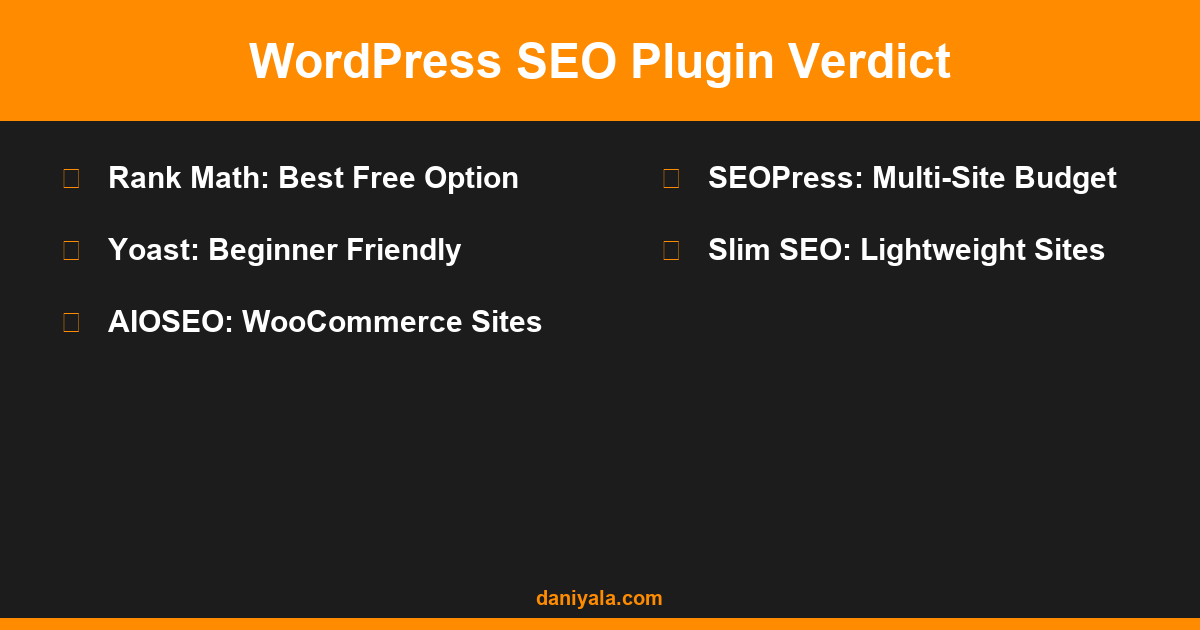
SEOPress often flies under the radar but it is a genuinely capable plugin at a lower price point than most competitors. The Pro version runs $49/year for unlimited sites, which makes it appealing for agencies or developers managing multiple client installs.
What it does well:
- Clean, minimal interface — less intimidating than Rank Math’s feature-heavy dashboard
- White-label mode (Pro) is useful for agencies who want to rebrand the plugin for client installs
- WooCommerce support, local SEO schema, and video schema all included in Pro
Where it falls short: Smaller user base means fewer tutorials, less community support, and occasionally slower updates after major WordPress releases. I have run into minor compatibility issues on a couple of client sites that took longer to resolve than they would have with Rank Math or Yoast.
Slim SEO — For Speed-First Sites
If your priority is absolute minimal plugin footprint and you know what you are doing, Slim SEO is worth a look. It auto-generates meta titles, descriptions, XML sitemaps, and schema without any settings panel at all — it just works with sensible defaults.
Who it’s right for: Developers building lean sites for clients who should not be touching SEO settings. Also useful on very old hosting where every extra database query matters.
Not right for: Anyone who wants to customise title formats per post type, run detailed content analysis, or have a per-post keyword tracking workflow. Slim SEO handles the basics and nothing more.
How to Choose the Right WordPress SEO Plugin
Run through these four questions and the answer becomes clear for most sites:
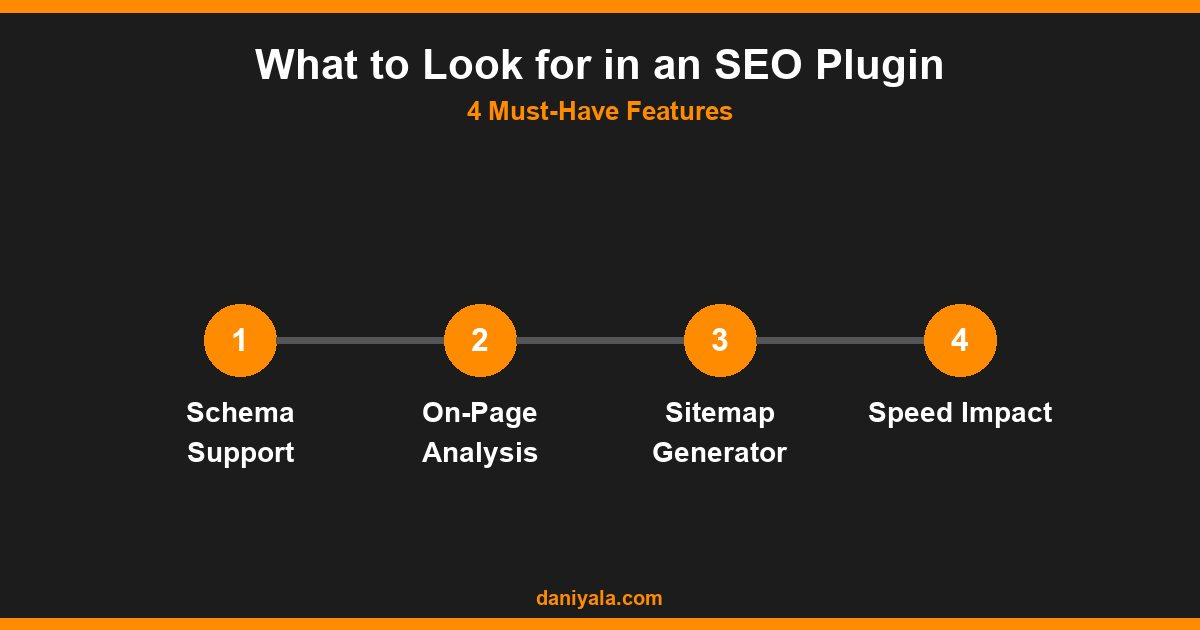
- Is this a WooCommerce store? If yes, AIOSEO Pro or Rank Math Pro handle product schema better than the others.
- Is the site owner a beginner who will manage it themselves? Yoast free gives the clearest per-post feedback for non-technical users.
- Are you managing ten or more sites? SEOPress Pro’s unlimited site licence at $49/year is the most cost-effective.
- Is it everything else? Rank Math free. It has the strongest free feature set and a well-documented setup process.
One thing to avoid: switching plugins unnecessarily. Every switch risks losing your existing meta data and requires re-configuring settings. Pick one, set it up correctly, and leave it alone unless there is a compelling reason to change.
For the performance side of WordPress, what an SEO plugin cannot fix is a slow server or unoptimised images — see my WordPress speed optimisation tutorial for the full breakdown on that side.
First Steps After Installing Any SEO Plugin
Regardless of which plugin you choose, run through this setup sequence after installing:
- Run the setup wizard — all major plugins have one. Complete it fully.
- Set your title separator and site name — this affects how your site appears in search results globally.
- Check your sitemap is live — visit yourdomain.com/sitemap.xml and confirm it loads.
- Submit the sitemap to Google Search Console — if you haven’t already, set up GSC and submit your sitemap URL.
- Check your homepage meta title and description — these should reflect your primary keyword and value proposition, not the default plugin placeholder text.
- Set noindex on pages that shouldn’t rank — login pages, thank-you pages, terms pages. Every major plugin has a setting for this.
These steps take thirty minutes on a new site. Skipping them is how sites end up indexing the wrong pages or missing their sitemap for months.
Frequently Asked Questions
Can I use two SEO plugins at the same time?
No. Running two SEO plugins simultaneously causes conflicts — duplicate sitemaps, competing meta tags, and broken schema output. Pick one and deactivate the other completely before activating your new choice. Most plugins have an import function to pull in settings from common competitors during setup.
Does the SEO plugin I choose affect my rankings?
Indirectly, yes. The plugin itself is not a ranking signal, but how you configure it determines whether your meta tags, schema, and sitemaps are correct. A well-configured Yoast installation and a well-configured Rank Math installation will perform similarly. A poorly configured plugin of either type hurts rankings.
Is Rank Math free really free, or will I hit a paywall?
Rank Math free is genuinely usable without paying. The free tier covers: five focus keywords per post, 20+ schema types, redirect manager, Google Search Console integration, WooCommerce basic SEO, local SEO schema, and XML sitemaps. The paid tiers add analytics, more schema types, and advanced redirects — but most small sites never need them.
Should I use the SEO plugin’s content analysis score as my only quality measure?
No. A green score means the plugin has detected the basic on-page signals — keyword in the title, in the content, sufficient word count — but it cannot judge whether your content is actually better than what is already ranking. Treat it as a checklist, not a guarantee of ranking.
What should I do if my existing site has Yoast but I want to switch to Rank Math?
Rank Math has a built-in migration wizard that imports all your Yoast meta data — titles, descriptions, focus keywords, redirects. Run it immediately after installing Rank Math, before deactivating Yoast. Check twenty to thirty of your most important posts manually after migration to confirm the import was accurate.
Need help implementing this? I’m Daniyal — freelance SEO and WordPress expert. Contact me or find me on Upwork.












 by Daniyal © 2026 All Rights Reserved