
The Rank Math vs Yoast SEO question comes up in almost every WordPress project I take on. Both plugins dominate the SEO plugin market, and both have passionate advocates. Having used them extensively across client sites — from small local business WordPress installs to WooCommerce stores with thousands of products — I have a clear view of where each one wins, where each one falls short, and exactly which type of site or operator should choose which plugin. Here is an honest, feature-by-feature comparison with no affiliate bias.
The Quick Answer
If you want a single recommendation: for most new WordPress sites in 2026, Rank Math free tier offers more functionality than Yoast’s free version by a significant margin — better schema support, built-in redirection management, keyword tracking, and image SEO are all free in Rank Math. Yoast’s strength is its longer track record, slightly more conservative approach to recommendations, and a simpler UI that beginners often find less overwhelming.
Choose Rank Math if you want maximum features without paying. Choose Yoast if you are migrating from an existing Yoast setup, if your team is already trained on it, or if you prefer a plugin with a decade of documented behavior in Google’s eyes. Both are solid — the gap in quality is smaller than the gap in free-tier features.
What Each Plugin Does
Both Rank Math and Yoast SEO are comprehensive WordPress SEO plugins that handle on-page optimization, XML sitemaps, schema markup, and integration with Google Search Console. At a high level, they solve the same problem: making it practical for non-technical WordPress users to optimize their sites for search without touching code. The difference is in how much you get without paying and how each plugin approaches specific SEO tasks.
For a full picture of how these tools fit into a broader SEO strategy, the WordPress SEO guide covers the entire on-page and technical optimization workflow — plugins are one component of a system, not the system itself. And if you are running a technical SEO audit, neither plugin replaces the need to crawl your site with Screaming Frog or check Core Web Vitals in PageSpeed Insights — they supplement that work, not replace it.
Feature Comparison
| Feature | Rank Math Free | Yoast Free |
|---|---|---|
| On-page SEO analysis | ✓ Up to 5 keywords per post | ✓ 1 keyword (focus keyphrase) |
| Schema markup | ✓ 20+ schema types built-in | Basic (Article, WebPage, BreadcrumbList) |
| XML sitemap | ✓ Included | ✓ Included |
| Redirection manager | ✓ Built-in, with 404 monitor | Paid (Premium only) |
| Keyword rank tracking | ✓ Basic GSC integration | ✗ Not available |
| Image SEO (alt text) | ✓ Auto-sets from filename/title | ✗ Not available free |
| Local SEO | ✓ Basic local schema free | Paid add-on |
| WooCommerce SEO | ✓ Free for products | Paid add-on |
| Breadcrumbs | ✓ Included | ✓ Included |
| Social media meta tags | ✓ Included | ✓ Included |
| Readability analysis | Basic | ✓ Thorough (Flesch-Kincaid) |
| Plugin size / speed | Lighter (modular, disable features) | Heavier (monolithic) |
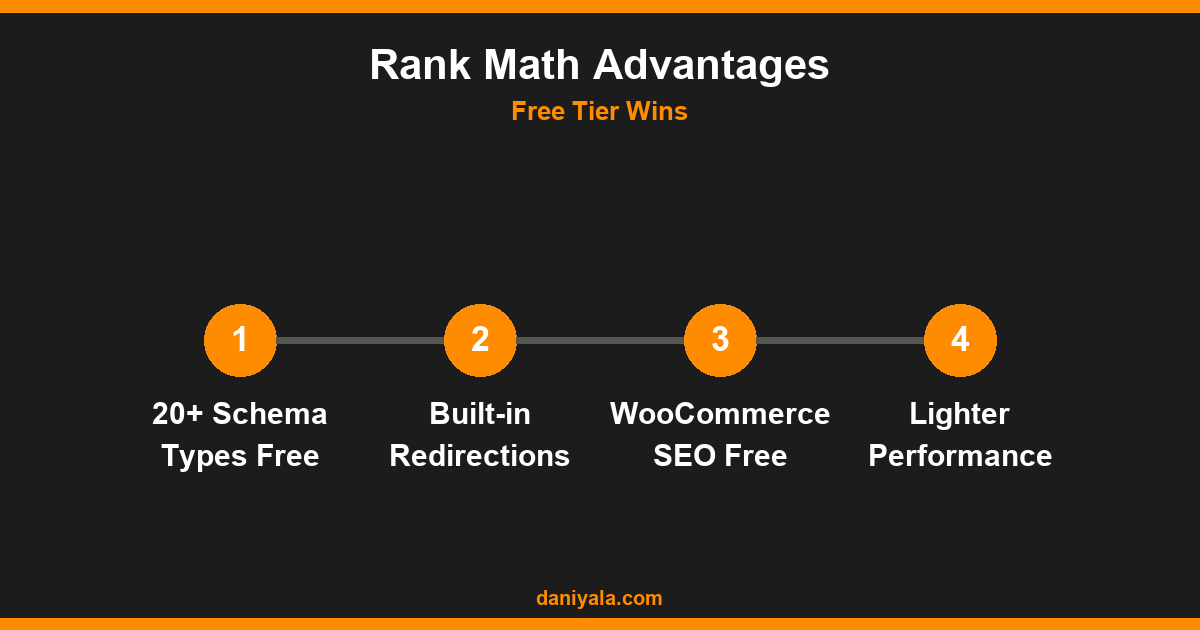
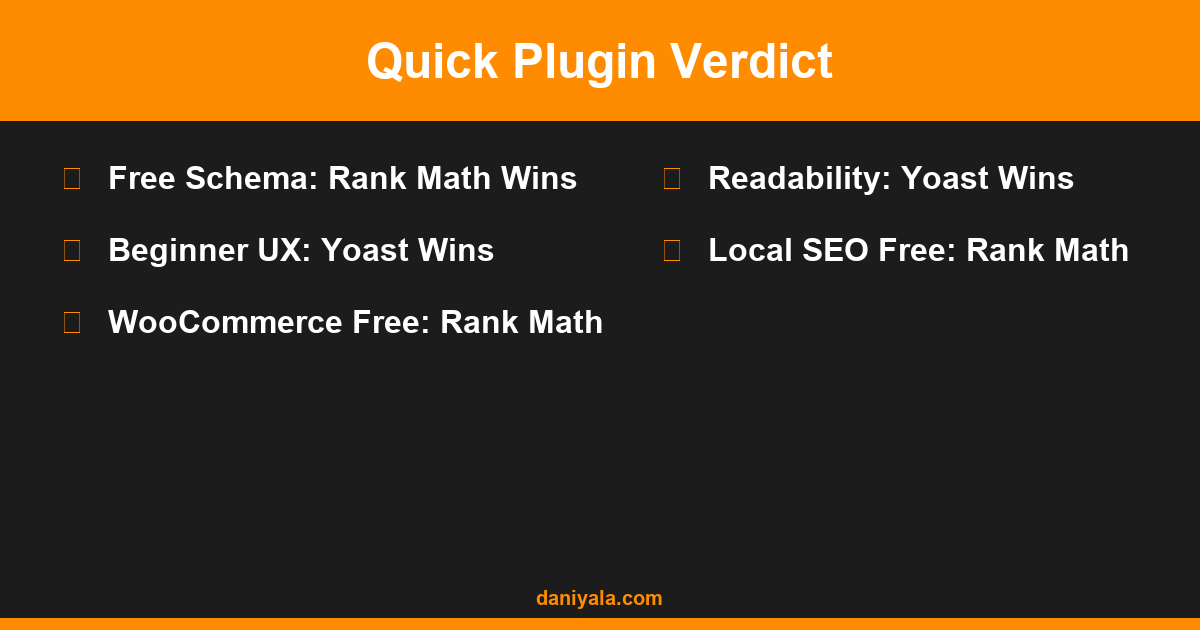
The free-tier gap is substantial. Rank Math gives you redirection management, 404 monitoring, WooCommerce SEO, and local SEO schema at zero cost — features that Yoast gates behind paid add-ons. For small businesses and freelancers managing their own WordPress sites, that difference adds up quickly.
Schema Markup: Where Rank Math Pulls Ahead
Schema markup is where Rank Math has the clearest technical advantage. Out of the box, Rank Math’s free plan supports over 20 schema types including Article, FAQ, HowTo, Product, Recipe, Event, Review, Person, Organization, Course, and more. You can add schema visually without writing a line of JSON-LD, and the output is clean.
Yoast’s free version adds basic Article and WebPage schema automatically, but getting FAQPage or HowTo schema requires either using specific Gutenberg blocks (which auto-generate the markup) or upgrading to Yoast Premium. The Gutenberg block approach works well, but it means your schema is tightly coupled to block structure in ways that can cause issues if you ever switch editors.
For sites that depend on rich results — recipe sites, FAQ-heavy service sites, e-commerce with product reviews — Rank Math’s schema depth is a genuine advantage. SEO tools and structured data testing via Google’s structured data documentation confirm that both plugins produce valid markup when configured correctly, but Rank Math requires fewer workarounds to reach the same output.
Speed and Performance Impact
Both plugins add overhead to WordPress, but Rank Math takes a modular approach — you can disable features you do not use (breadcrumbs, image SEO, local SEO) to reduce the plugin’s footprint. In testing across multiple shared hosting environments, Rank Math consistently adds less server processing time than Yoast on equivalent setups when configured with unused modules disabled.
Yoast’s architecture is more monolithic. It loads its full codebase regardless of which features you use, which is measurable in environments with limited server resources. On managed WordPress hosting (Kinsta, WP Engine, Cloudways) the difference is negligible — servers are powerful enough that the plugin overhead is imperceptible. On shared hosting or resource-constrained environments, Rank Math’s modularity is a practical advantage.
For sites where Core Web Vitals are already under pressure, Rank Math’s lighter footprint is a marginal but real win. For high-performance hosting environments, this factor should not drive the decision.
Free vs Paid Plans
If you do need paid features:
- Rank Math Pro: Starts at approximately $59/year for personal sites, covering unlimited sites on higher tiers. Pro adds advanced schema, analytics dashboard, image SEO automation, and content AI features. The pricing structure is significantly more favorable than Yoast for agencies managing multiple client sites.
- Yoast Premium: Approximately $99/year per site. Adds redirections, related keyphrase analysis, internal linking suggestions, and social preview tools. Yoast’s multi-site licensing is expensive — agencies managing 10+ sites find Rank Math’s pricing dramatically more practical.
For freelancers and agencies, the pricing gap at scale is decisive. Running Yoast Premium on 20 client sites means $1,980/year in plugin licenses. Rank Math’s agency tier covers unlimited sites for a fraction of that cost.
Which Plugin Should You Use?
Here is how I make the decision for each new project:
Choose Rank Math if:
- You are starting a new WordPress site and have no existing plugin preference
- You need schema support for FAQs, products, or HowTo content on the free tier
- You manage multiple sites and want to avoid per-site licensing costs
- You run a WooCommerce store and want free product SEO support
- You are managing redirections and want a built-in 404 monitor without an extra plugin
Choose Yoast if:
- You are migrating from an existing Yoast installation (migration adds work and risk for limited gain)
- Your team or your client’s content editors are already trained on Yoast’s traffic light scoring system
- You prefer a more conservative plugin with a longer public track record
- Readability scoring and Flesch-Kincaid analysis are important to your editorial workflow
Both plugins work well for the fundamentals covered in a proper keyword research and on-page SEO workflow. The plugin choice is a multiplier on strategy — not a substitute for it. A well-researched keyword map and quality content will outperform any plugin choice by orders of magnitude. See the full comparisons category for more tool breakdowns across the WordPress and SEO stack.
Frequently Asked Questions
Is Rank Math better than Yoast for SEO?
Rank Math’s free tier is more feature-rich than Yoast’s free tier — particularly for schema markup, redirection management, and WooCommerce SEO. For users who want maximum functionality without paying, Rank Math wins on features. Yoast’s advantage is its longer track record, simpler interface for beginners, and stronger readability analysis tools. Neither plugin directly determines your rankings — both help you implement SEO correctly.
Can I switch from Yoast to Rank Math without losing SEO data?
Yes — Rank Math has a built-in migration wizard that imports your Yoast settings, meta titles, meta descriptions, and redirect rules automatically. The migration is generally smooth, but I recommend running it on a staging copy of your site first, verifying meta data on 10-20 key pages, and checking that redirections imported correctly before activating on production. Do not rush a migration on a site with significant organic traffic.
Does Rank Math slow down WordPress?
Rank Math’s modular architecture means you can disable unused features to reduce overhead. In most hosting environments, the performance impact is negligible with proper caching in place. On resource-constrained shared hosting, disabling Rank Math modules you do not use is a practical optimization. Yoast loads its full codebase regardless of which features are active, making Rank Math the lighter choice on equivalent setups.
Which plugin is better for local SEO?
Rank Math includes basic local SEO schema (Local Business, opening hours, address) in the free tier. Yoast requires a separate Local SEO plugin at an additional cost. For small businesses running local SEO campaigns, Rank Math’s free local schema support is a meaningful advantage — particularly for service businesses that need LocalBusiness schema without adding another paid plugin to their stack.
Do I need to buy Rank Math Pro?
For most small businesses and solo site owners, Rank Math Free covers everything needed for effective on-page SEO. The free tier includes schema markup, redirections, 404 monitoring, WooCommerce SEO, and image SEO. Rank Math Pro adds value for sites that need advanced content analytics, detailed keyword position tracking, or AI-assisted content optimization — but these are not requirements for most sites at the early-to-mid growth stage.
Need help configuring SEO plugins for your WordPress site? I’m Daniyal — freelance SEO & WordPress expert. Contact me or find me on Upwork.












 by Daniyal © 2026 All Rights Reserved