
When I started freelancing on Upwork, WordPress development was the skill that opened every door. It’s versatile, consistently in demand, and you don’t need a CS degree to build genuine expertise in it. If you’re asking how to become a wordpress developer, the honest answer is: it’s learnable in a structured 3–6 months, and the freelance market for solid WordPress developers remains strong in 2026.
This guide covers the skills, the learning path, the portfolio strategy, and how to land your first paid project — based on what actually worked for me across 70+ WordPress client projects.
Table of Contents
- Why WordPress Development Is Worth Learning in 2026
- Core Skills You Need to Learn First
- The WordPress Learning Path (Step by Step)
- Choose Your Niche: Theme, Plugin, or Custom Builds
- Build Your Portfolio (Even Without Clients)
- Getting Your First WordPress Freelance Client
- Upwork Strategy for WordPress Developers in 2026
- What to Charge as a WordPress Developer
- Frequently Asked Questions
Why WordPress Development Is Worth Learning in 2026
WordPress powers roughly 43% of all websites on the internet. That share isn’t declining — the CMS is actively developing its block editor, Full Site Editing (FSE), and REST API capabilities. What’s changed is the shape of demand: clients want developers who can customize Elementor builds, build custom Gutenberg blocks, or integrate WooCommerce with external systems. Pure theme tweakers are less in demand; developers who understand PHP + JavaScript + page builders are well-positioned.
For freelancers, WordPress development is also a gateway to higher-value services: technical SEO audits, site migrations, speed optimization, and security hardening — all of which command better rates than basic page building. The income ceiling is determined by specialization, not the platform itself.
Core Skills You Need to Learn First
Before you write a line of WordPress code, you need the foundational web technologies:
- HTML/CSS: Non-negotiable. You’ll be reading and modifying template markup constantly. Master flexbox and CSS grid — Elementor and most themes use them heavily
- PHP basics: WordPress core is PHP. You don’t need to be a PHP engineer, but you need to understand functions, conditionals, and WordPress hooks (actions and filters)
- JavaScript: Increasingly important for Gutenberg blocks, custom admin interfaces, and WooCommerce customizations
- Git version control: Not optional for professional projects — every real client engagement needs version control
- MySQL basics: Understanding database structure helps enormously when debugging slow sites or migrating content between environments
You don’t need to master all of these before touching WordPress. A solid grasp of HTML/CSS and PHP fundamentals is enough to start building real things.
The WordPress Learning Path (Step by Step)
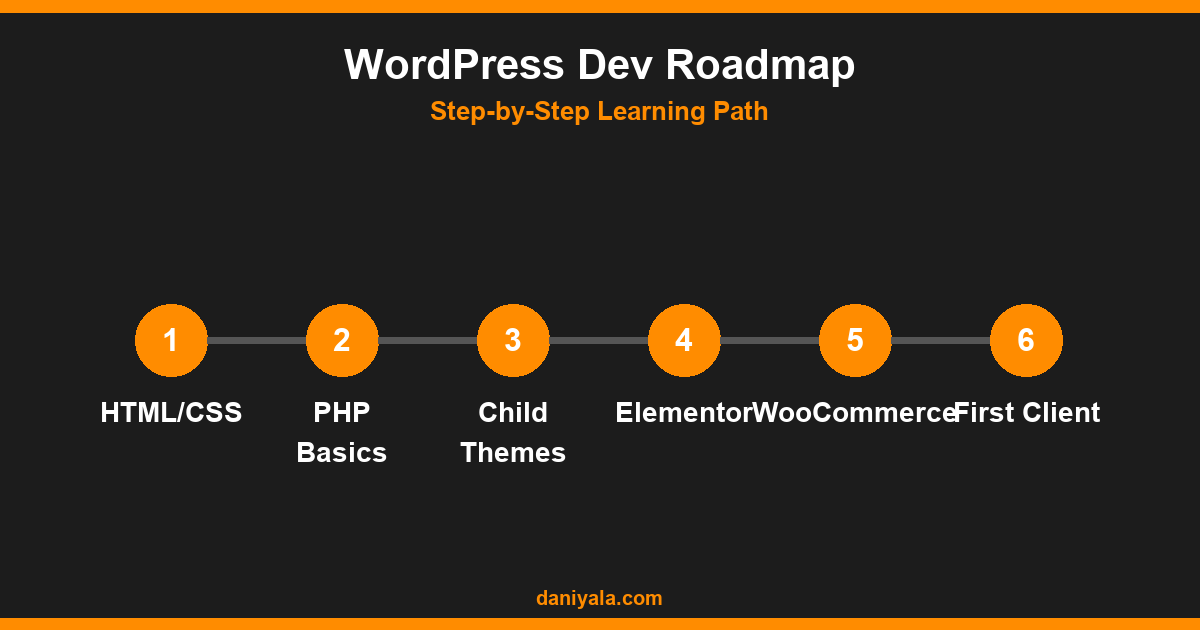
Here’s the sequence I’d recommend to someone starting from scratch — it’s the order that builds understanding rather than jumping to the flashy parts first:
- Learn WordPress as a user first — Install locally with Local by Flywheel (free), create posts and pages, explore the admin panel, install plugins and themes
- Build your first child theme — Take a free theme, create a child theme, override individual template files. This teaches how template hierarchy works without breaking anything
- Learn the core WordPress functions —
get_template_part(), the Loop,wp_enqueue_scripts(), custom post types, custom taxonomy, custom fields with ACF - Learn Elementor or a similar page builder — Most client projects use a builder. Elementor is the most widely deployed; understanding its dynamic fields, Theme Builder, and template system is a billable skill on its own (see my elementor complete guide)
- Learn WooCommerce fundamentals — Even if you don’t plan to specialize in eCommerce, most clients ask about it. Know the product types, checkout flow, and how to add custom hooks
- Learn performance optimization — Caching, image compression, Core Web Vitals. Slow sites are a real and recurring client problem
- Learn basic WordPress security — Hardening, backup routines, plugin vetting. Every client site needs this foundation
The WordPress developer documentation at developer.wordpress.org is the authoritative reference — use it daily as you build and treat it as your textbook, not just a fallback.
Choose Your Niche: Theme, Plugin, or Custom Builds
Generalist WordPress developers exist, but niching down increases your earning potential and makes your Upwork profile findable:
- Theme/design development: Building custom themes from scratch or heavily customizing premium themes for specific brands. High aesthetic demand — clients pay well for unique, conversion-focused designs
- Plugin development: Custom functionality that doesn’t exist as a plugin. Higher technical requirements, longer projects, better rates
- Elementor/builder customization: The most in-demand niche on Upwork — clients have Elementor installed and need someone who knows it deeply enough to make it do non-obvious things
- WooCommerce development: Payment gateway integration, custom product types, subscription systems — high complexity, high rates, long-term client relationships
- Technical WordPress + SEO: The path I took — site audits, speed optimization, migrations, and security alongside content strategy. Multiple service lines, recurring clients
Build Your Portfolio (Even Without Clients)
The most common objection: “I can’t get clients without a portfolio, and I can’t build a portfolio without clients.” Here’s how to break that loop:
- Build mock projects: Create 3 different types of sites — a business site, a blog, and a WooCommerce store — in your local environment and deploy them to cheap hosting or your own domain
- Contribute to open source: Even small contributions to WordPress plugins or themes give you public code to reference in proposals
- Build tools for real problems: A speed audit checklist site, a redirect checker, or a small utility — these demonstrate initiative and technical ability simultaneously
- Offer reduced-rate work for non-profits: Local charities and community organizations often need websites and can’t pay market rates. This builds your portfolio and local reputation at the same time
Your portfolio doesn’t need 20 projects. Three solid, well-documented projects are more convincing than ten mediocre ones. For how to present yourself on Upwork specifically, read my guide on how to become a freelance seo expert — the profile optimization advice translates directly to WordPress developer profiles.
Getting Your First WordPress Freelance Client
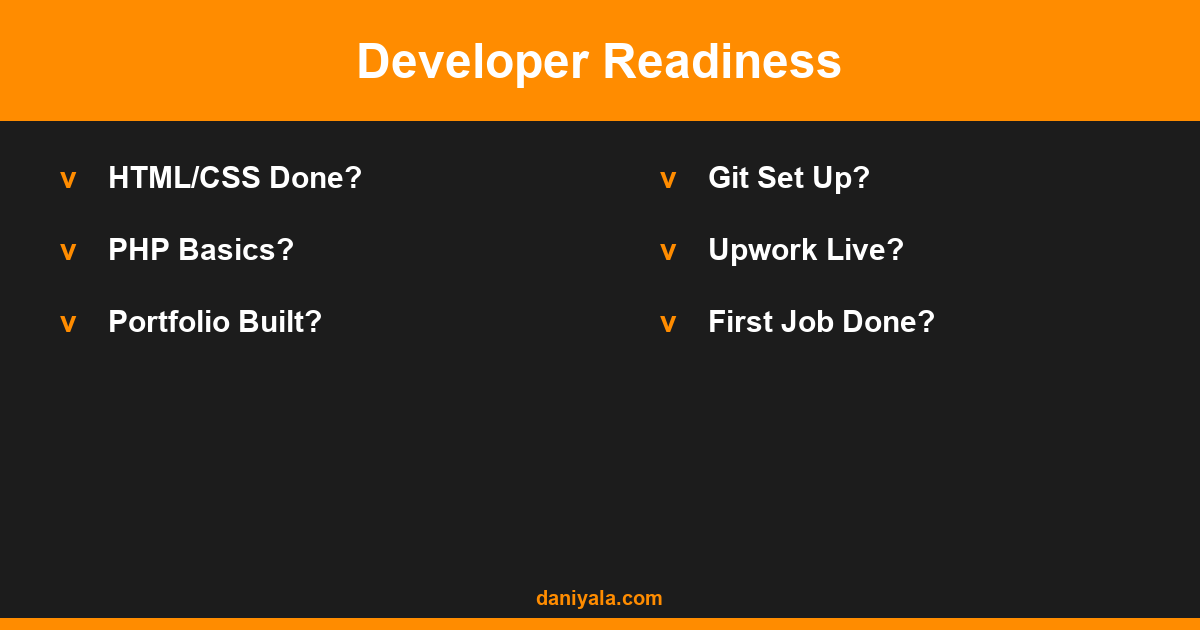
The first paid project is always the hardest. Strategies that have worked for me and for developers I’ve advised:
- Local businesses: Walk around your area and look at local business websites. Many are outdated. Cold email with a specific, actionable observation (“Your site doesn’t load correctly on mobile — I can fix that in a week”) converts better than generic outreach
- Upwork entry strategy: Start with small jobs ($150–500), build reviews aggressively, then raise rates. The first 3–5 reviews are the main barrier to entry
- Referrals from your network: Tell everyone you know what you’re doing. The first WordPress client for most developers comes from a personal connection
- Fiverr for volume: Lower rates, higher volume — useful for building portfolio pieces and social proof, not for long-term income growth
The full freelancing system — pricing, proposals, client management — is covered in my freelancing guide pakistan, which applies to any freelancer regardless of specialty.
Upwork Strategy for WordPress Developers in 2026
Upwork is still the highest-volume marketplace for WordPress work. A few observations from running my account to 70+ projects:
- Specialize your profile title: “WordPress Developer | Elementor Expert | WooCommerce” is far more searchable than “Web Developer”
- The Overview section should name specific tools (Elementor, WooCommerce, ACF, WPML) — Upwork’s search uses these terms
- Keep proposals short: identify the client’s specific problem, state one relevant thing you’ve built, link to a relevant work sample
- Early in your career, respond to posts within 30 minutes of their publication — newer postings have less competition from established freelancers
- Job Success Score matters more than hourly rate for visibility — protect it by only accepting projects you can genuinely deliver
What to Charge as a WordPress Developer
Rates vary by market, experience level, and service type. Realistic ranges from what I observe on Upwork and in direct client work:
- New developers (0–1 years): $15–$30/hour on the Upwork international market
- Intermediate (1–3 years): $30–$60/hour; fixed-price projects scale accordingly
- Specialist (Elementor/WooCommerce expert): $60–$120/hour for specialized engagements
- Full projects: A 5-page business site: $800–$2,500. A WooCommerce store: $2,000–$8,000+
The WordPress plugins directory at wordpress.org/plugins is worth browsing regularly — understanding what’s freely available helps you frame custom development against the right backdrop when pitching clients.
Frequently Asked Questions
How long does it take to become a WordPress developer?
With focused effort — 2–3 hours daily — most people can build their first portfolio project in 4–8 weeks and land their first paid project within 3–6 months. The learning curve is front-loaded: once you understand how WordPress hooks work and how template hierarchy flows, the rest builds quickly on that foundation.
Do I need to learn PHP to become a WordPress developer?
For any serious WordPress development work, yes. HTML/CSS with a page builder covers basic site building, but custom themes, plugins, custom post types, and REST API integrations all require PHP. Even a basic grasp — functions, conditionals, arrays — is enough to get started. Deep PHP expertise comes over time.
Is Elementor a good skill to have as a WordPress developer?
Absolutely. Elementor is the most widely used page builder and a significant portion of WordPress client work involves it. Knowing Elementor’s Theme Builder, dynamic fields, and custom CSS system makes you more productive and more marketable. Pair it with PHP knowledge to handle everything Elementor can’t do natively.
What is the difference between a WordPress developer and a WordPress designer?
Developers focus on functionality — custom code, plugin integration, API connections, performance — while designers focus on visual output. In practice they often overlap on smaller projects. Lead with whichever is stronger in your proposals and be honest about where you’d need support on a given project.
Can I build a full-time income as a freelance WordPress developer?
Yes, and it’s realistic within 12–18 months of serious effort. The key is consistent project delivery, aggressive review collection early on, and gradual rate increases as your Job Success Score climbs. Full-time income of $2,500–$4,000+/month requires either 3–5 repeat clients or a steady stream of $500–$1,500 fixed-price projects. Both paths are achievable.
Need help implementing this? I’m Daniyal — freelance SEO & WordPress expert. Contact me or find me on Upwork.












 by Daniyal © 2026 All Rights Reserved